


WrapForge Material Library
Find the right surface, not just a colour.
Browse WrapForge materials by product family, finish and intended application. Use the library to shortlist options before requesting physical samples, technical information or a project-specific recommendation.
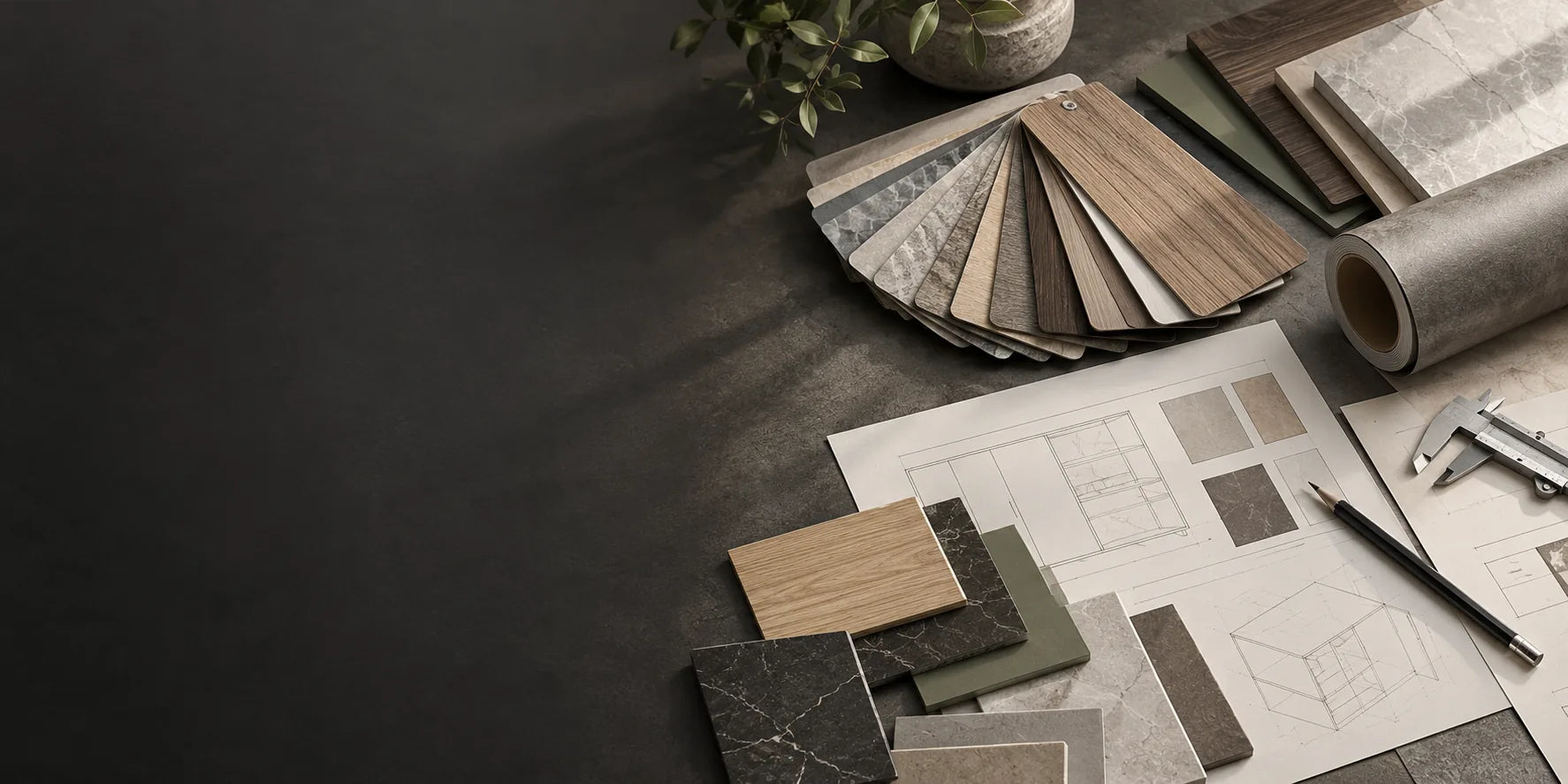
Start with the material
Five material families. Different ways to transform a surface.
Browse the core WrapForge material families first, then move into finishes, applications and technical resources.
Architectural Vinyl
Decorative Foil
PVC Wall Panels
SPC & WPC Flooring
Marble Protection Film
Architectural Vinyl
Explore the finish series.
Move through the vinyl library by visual character—from painted wood and long-grain timber to stone, fabric, solid colour and metal-inspired surfaces.
Browse by visual language
Start with the look and feel you want to create.
Not every project begins with a product name. Use the visual index when the brief starts with an atmosphere, texture or material reference.
Material × application
Find a material through the surface you need to solve.
Use this cross-map when your project starts with a space or substrate rather than a finish name. Each route connects the application back to the most relevant material direction.
Compare directions
Three material directions, side by side.
This is a simple specification aid—not a performance claim table. Use it to compare visual character, common surfaces and the next page to explore.
Specification resources
Move from inspiration to the information you need.
Use the resource routes for catalogues, technical documents, processing guidance and ongoing care.
See it in your own light
Narrow the library, then request the samples that matter.
Tell us what you are designing, what surface you are working with and the finish direction you are considering. We can use that context to make the sample request more useful.